
Gemini CLI vs Claude Code: which coding agent fits your team?
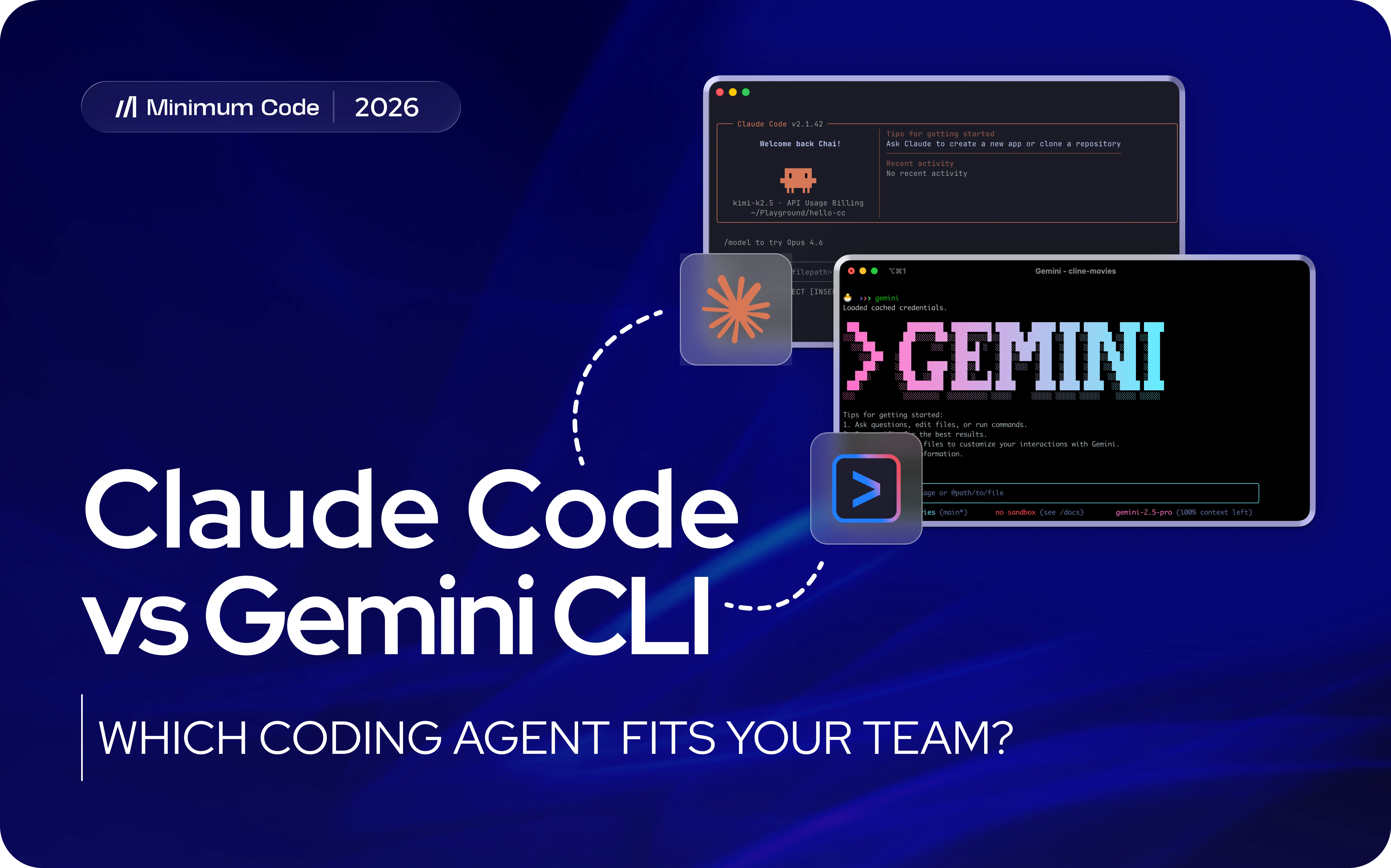

Gemini CLI and Claude Code are now much closer competitors than a simple feature checklist suggests. Both can inspect a repository, edit multiple files, run commands and tests, use persistent project instructions, connect external tools, and delegate work to specialised agents.
The difference is increasingly about how those capabilities are packaged. Gemini CLI gives teams an open-source client, a strong free entry point, deep configurability, and natural alignment with Google's developer ecosystem. Claude Code offers a more mature agent-led engineering environment, broader product surfaces, and a particularly strong workflow for experienced engineers working through complex repository tasks.
For most experienced engineering teams, Minimum Code would choose Claude Code as the default today. That is an editorial recommendation, not a claim that Claude Code wins every repository or benchmark. Gemini CLI is the better choice when source visibility, low-cost experimentation, Google tooling, or control over the client matters more.
Key takeaways
- Claude Code is our stronger default for demanding engineer-led repository work, especially when a task requires repeated investigation, implementation, testing, and redirection.
- Gemini CLI has the clearest advantages in open-source tooling, free access, extensions, and Google-aligned workflows.
- The feature gap is smaller than it once was. Both now support persistent instructions, MCP, hooks, skills, subagents, permissions or policy controls, and non-trivial automation.
- Gemini CLI's subagents are still documented as a preview feature, while Claude Code has a more developed subagent and multi-agent ecosystem.
- Price matters, but usage models are not directly comparable. The useful metric is the cost and engineer time required to reach an accepted change.
- Neither tool removes the need for technical review before production.
Gemini CLI vs Claude Code at a glance
The table shows why this is no longer a comparison between a flexible experimental CLI and a fully featured coding agent. Both are mature agentic tools. The clearest differences are the open-source client, the cost of entry, the surrounding ecosystem, and the maturity of their multi-agent workflows.
Where Gemini CLI wins
Open-source client and extension model
Gemini CLI's client is open source, which gives engineering teams something Claude Code does not: direct visibility into the application layer around the model. Teams can inspect how the client works, contribute to it, and adapt the surrounding workflow rather than treating the coding agent as a completely closed product.
Its extension system is also substantial. Gemini CLI extensions can package prompts, custom commands, MCP servers, hooks, agent skills, and subagents. Persistent GEMINI.md files provide project-level context, while skills can load specialised workflows only when they are needed. This makes Gemini CLI especially attractive to teams that want to build their own operating layer around an agent rather than simply configure one.
A genuinely useful free entry point
Gemini CLI currently gives individual users who authenticate with a Google account through Gemini Code Assist up to 1,000 model requests per day. Google also documents higher daily limits for paid individual and Workspace tiers.
That makes Gemini CLI much easier to trial across real repository work without committing to another developer subscription. The number should not be compared directly with Claude's usage limits because the products meter access differently, but the practical advantage is clear: Gemini CLI has a much stronger free on-ramp.
Google ecosystem fit
Teams already working heavily with Google Cloud, Gemini models, Vertex AI, or Google developer services may find Gemini CLI easier to place inside their existing authentication and operational setup.
This advantage should not be exaggerated. A Google-heavy stack does not automatically make Gemini CLI better at a particular refactor or debugging task. It simply lowers integration friction and can make procurement, identity, model access, and experimentation more coherent.
Automation and control are no longer weak points
Gemini CLI now includes headless operation, MCP support, hooks, plan mode, sandboxing, policy controls, IDE integration, skills, and subagents. That matters because older comparisons often describe it mainly as an open terminal wrapper around Gemini. That description is no longer accurate.
The trade-off is that flexibility creates ownership work. Teams need to decide how settings, extensions, hooks, policies, credentials, and upgrades are managed. Gemini CLI's subagent system is also still marked as preview in its documentation, so teams standardising around multi-agent orchestration should treat that layer as more changeable.
Where Claude Code wins
A mature engineer-led repository workflow
Claude Code remains exceptionally well suited to the loop experienced engineers actually follow inside an unfamiliar or connected codebase: investigate existing behaviour, trace dependencies, form a plan, edit several files, run tests, inspect failures, revise the approach, and explain the result.
Gemini CLI can perform the same broad class of work, so this is not an exclusive feature advantage. Claude Code's edge is the maturity and coherence of the experience around that loop. For teams that want to delegate substantial implementation work while staying close enough to challenge assumptions, it remains our stronger default.
More developed agent orchestration
Claude Code supports custom subagents with isolated context, tool restrictions, permission modes, hooks, skills, and MCP access. Anthropic has also expanded the product into background agents, agent teams, and large parallel subagent workflows.
That makes Claude Code particularly interesting when a task can be decomposed into investigation, implementation, testing, review, or research streams without forcing all of that activity into one context window. Gemini CLI is moving in the same direction, but its subagents are currently documented as preview.
A broader product surface
Claude Code is no longer only a terminal product. Anthropic currently positions it across terminal, supported IDEs, web, and Slack. For teams, that can make the agent easier to fit around different working styles without changing the underlying Claude Code workflow.
Developers who want constant visual supervision inside an IDE may still prefer a different operating model; the distinction is clearer when comparing Claude Code with Cursor, where the trade-off is less about raw coding ability and more about supervision versus delegation.
Strong controls, with a cost
Claude Code supports CLAUDE.md, rules, skills, hooks, subagents, MCP, plugins, and detailed permission controls. Those features can turn individual prompting habits into a repeatable team workflow when the configuration is versioned and maintained.
The obvious drawback is cost. For individual users, Claude Code is included with Claude Pro, currently $20 per month when billed monthly, while Max tiers cost $100 and $200 per month. Usage is limited and shared across Claude surfaces, and heavier repository work can push users toward higher tiers or additional usage.
Gemini CLI vs Claude Code: the differences that matter
Open source versus managed product
Gemini CLI is the obvious choice when an inspectable and adaptable client is a requirement. Claude Code is a closed product. That does not make Gemini automatically safer or Claude automatically easier to govern, but it changes what a technical team can inspect, modify, and own.
Free access versus paid default
Gemini CLI's free allowance makes experimentation unusually easy. Claude Code's individual coding access starts with a paid Pro plan. For a developer simply testing whether terminal agents improve their work, Gemini has the lower-friction entry point.
For a team already paying engineers to work inside complex repositories, subscription price can become a secondary consideration. Ten minutes saved on a recurring task may matter more than the monthly plan difference; hours of rework can erase any apparent saving.
Extensions versus orchestration
Both products now have serious extension systems. Gemini CLI's extension packaging is especially attractive for teams that want to distribute a bundle of prompts, commands, MCP servers, hooks, skills, and agents. Claude Code's current advantage is the maturity of its agent orchestration, including custom subagents and broader multi-agent patterns.
This is one of the areas most likely to change quickly. It is also why a static feature count is a poor way to choose between them.
Security and privacy
Open source does not automatically mean private. With Gemini CLI, the client can be inspectable while repository content is still sent to a hosted Gemini service. With Claude Code, data handling also depends on how the product is authenticated and which provider or enterprise route is used.
For either tool, review the complete path: model endpoint, telemetry, credentials, permissions, retention, connected MCP servers, logs, and who can access sessions. The most important control is still limiting what the agent can reach and keeping production deployment behind accountable human approval.
Which should you choose?
Choose Gemini CLI if:
- You want an open-source client that your team can inspect or extend.
- You want to experiment seriously without adding a paid coding-agent subscription immediately.
- Your engineering environment is already strongly aligned with Google Cloud, Gemini, or Vertex AI.
- You want extensions to package and distribute custom commands, MCP servers, hooks, skills, and agents.
- You are comfortable owning more of the configuration and lifecycle yourself.
Choose Claude Code if:
- Experienced engineers will be the primary operators.
- Your work regularly involves connected repositories, difficult debugging, migrations, refactors, or multi-step implementation.
- You want mature subagent and multi-agent workflows rather than treating them as an experimental layer.
- You want one Claude Code workflow available across terminal, supported IDEs, web, and other collaboration surfaces.
- You are willing to pay for a more opinionated managed product rather than prioritising an open-source client.
For a small engineering team doing production work, our default choice would be Claude Code. For experimentation, open tooling, or a Google-heavy environment, Gemini CLI can be the better decision.
How to test both agents on your own repository
Your repository is a better benchmark than a generic leaderboard. Use one real task that is complex enough to expose reasoning quality but contained enough to review safely.
- Representative task: use the same bug, small feature, refactor, or test improvement for both agents.
- Equal starting context: provide the same requirement, repository state, project instructions, documentation, and permission boundary.
- Acceptance criteria: define expected behaviour, required tests, prohibited changes, and what evidence is needed before approval.
- Review effort: record clarification time, failed attempts, diff quality, test quality, recovery from mistakes, and engineer review time.
- Operational fit: compare command approvals, logs, configuration, reproducibility, and how easy it is to standardise the workflow across the team.
- Commercial result: compare total time and cost from task brief to an accepted, releasable change.
Run the test in a branch or isolated environment with a reversible path. Keep the task bounded and require evidence of completion. That discipline is also what separates agentic engineering from vibe coding: the agent can do substantial work, but the objective, boundaries, checks, and release decision remain explicit.
Frequently asked questions
Is Gemini CLI better than Claude Code?
Not universally. Gemini CLI is stronger when open-source tooling, free access, Google ecosystem fit, or extension-level control are priorities. Minimum Code would currently choose Claude Code as the default for most experienced engineering teams doing demanding repository work.
Is Gemini CLI free to use?
Yes. Google currently documents up to 1,000 model requests per user per day for Gemini CLI users who authenticate with a Google account through Gemini Code Assist for individuals. Other free and paid authentication routes have different limits.
Is Gemini CLI open source?
Yes. The Gemini CLI client is open source. The hosted Gemini models and services it connects to are separate, so an open-source client does not by itself determine privacy, retention, or where repository data is processed.
Does Gemini CLI support subagents, hooks, skills, and MCP?
Yes. Gemini CLI supports all four. Its extension system can package MCP servers, hooks, agent skills, and subagents together. Google currently marks subagents as a preview feature.
Does Claude Code support subagents and multi-agent workflows?
Yes. Claude Code supports custom subagents with isolated context and configurable tools, permissions, hooks, skills, and MCP access. Anthropic also supports broader agent-team and parallel-agent workflows.
Which is better for a large codebase?
There is no reliable universal winner based on codebase size alone. For a mature repository operated by experienced engineers, Claude Code would be our default because of the maturity of its investigation and agent-orchestration workflow. The correct test is still a representative multi-file task in your own repository.
Can a non-technical founder use Gemini CLI or Claude Code?
Yes, but using the tool and being able to verify its decisions are different things. A founder can describe features, explore a codebase, and generate working functionality with either agent. Production systems still need someone capable of reviewing architecture, permissions, data handling, dependencies, tests, and deployment decisions.
Can a team use Gemini CLI and Claude Code together?
Yes, but two agents create two sets of configuration, habits, limits, and failure modes. Start with one primary tool unless a real workflow gap justifies the second. If both are used, keep repository instructions, branching rules, testing standards, and release approvals consistent.
Will either agent replace a software development team?
No. Both can increase implementation and investigation capacity substantially, but product decisions, architecture, security, quality assurance, deployment, and maintenance still need accountable owners.
Choose based on workflow, not a feature count
Gemini CLI and Claude Code have converged on many of the same core capabilities. Both can work deeply inside a repository, use project instructions, call external tools, run checks, and delegate specialised work. The decision is no longer "which one is a real coding agent?"
For most experienced engineering teams, Minimum Code would choose Claude Code today because its repository workflow and agent orchestration are more mature. Gemini CLI is the stronger alternative when an open-source client, generous free access, Google's ecosystem, or deeper control over the surrounding tooling creates more value.
If you need senior engineering help choosing or governing coding agents, or using them to build dependable software, contact Minimum Code to discuss the right delivery setup for your product.
.avif)


Explore related articles
Ready to build your product?